

TL;DR:
- A car build sheet details the factory specifications, options, and features of a specific vehicle.
- It is essential for verifying original configuration, detecting modifications, and authenticating rare variants.
- Buyers should access build sheets through manufacturer resources, dealers, VIN decoders, or specialized services.
When you're shopping for a used car, sellers will hand you all kinds of paperwork: window stickers, service records, ownership titles. But one document almost never comes up in conversation, even though it arguably tells you the most about what a vehicle actually is. The car build sheet is the factory's own record of how your specific vehicle was assembled. Most buyers have never seen one, and that gap in knowledge costs people real money. This guide explains exactly what a build sheet is, what it contains, how to find one, and why it belongs in your buying process.
Table of Contents
- What is a car build sheet and why does it matter?
- What information does a car build sheet include?
- How to find or decode your car's build sheet
- Build sheets vs. other car documents: What's the difference?
- Why a build sheet is your secret weapon and how most buyers get it wrong
- Access build sheets and more with AutoManual
- Frequently asked questions
Key Takeaways
| Point | Details |
|---|---|
| Factory DNA | A car build sheet reveals exactly how a vehicle left the factory, listing all specs and features. |
| Vital for buyers | Used car buyers can use build sheets to confirm authenticity and avoid unexpected surprises. |
| Decode with care | Obtaining and double-checking a build sheet requires smart steps and awareness of possible pitfalls. |
| Not just a window sticker | Build sheets offer more comprehensive data than a window sticker or VIN lookup alone. |
What is a car build sheet and why does it matter?
A car build sheet is the official factory document that records every specification, option, and feature installed on your vehicle at the time of production. Think of it as the DNA of your car. Not the general DNA of a Ford F-150 or a Honda Civic, but the precise genetic code of your specific unit, including what engine went in, what color was sprayed on the line, and which optional packages were added before it left the plant.
This matters because two cars with identical model names can be completely different vehicles underneath. One might have a base engine, cloth seats, and no towing package. Another might have a performance engine, premium trim, and every available upgrade. The window sticker is gone. The original owner might be gone. But the build sheet? That data survives.
As build sheets detail factory configuration including specs and options, they give buyers a reliable baseline to verify what they're actually purchasing. This is especially valuable for enthusiasts hunting specific variants, buyers considering performance vehicles, and anyone paying a premium for a rare factory option.
Here's what buyers and hobbyists use build sheets for:
- Confirming factory equipment: Verify that the engine, transmission, and features match what the seller is advertising.
- Detecting undisclosed modifications: Compare current vehicle condition against factory specs to spot swapped or altered parts.
- Authenticating rare variants: Crucial for collector cars where a specific engine or package dramatically affects value.
- Supporting insurance and resale claims: A documented original configuration strengthens your position in negotiations.
A build sheet is not the same as a window sticker, which shows sale price and features as marketed. It's also not an owner's manual, which covers general operation. The build sheet is strictly about production configuration.
Pro Tip: Before you buy, cross-reference the how specs affect buying decisions with your build sheet data. Small spec differences can translate to thousands of dollars in actual value difference.
What information does a car build sheet include?
With a clear understanding of the build sheet's role, let's look closely at what specific information is found on one.
| Field | What it tells you |
|---|---|
| VIN | Unique factory identifier tied to production record |
| Production date | Exact date the car was assembled |
| Engine code | Specific engine type and displacement installed |
| Transmission type | Manual, automatic, or variant installed at factory |
| Paint code | Exact factory color, including base and clear coat spec |
| Interior trim code | Material, color, and configuration of the cabin |
| Option packages | Factory-installed features and upgrade bundles |
| Plant location | Which facility built the vehicle |
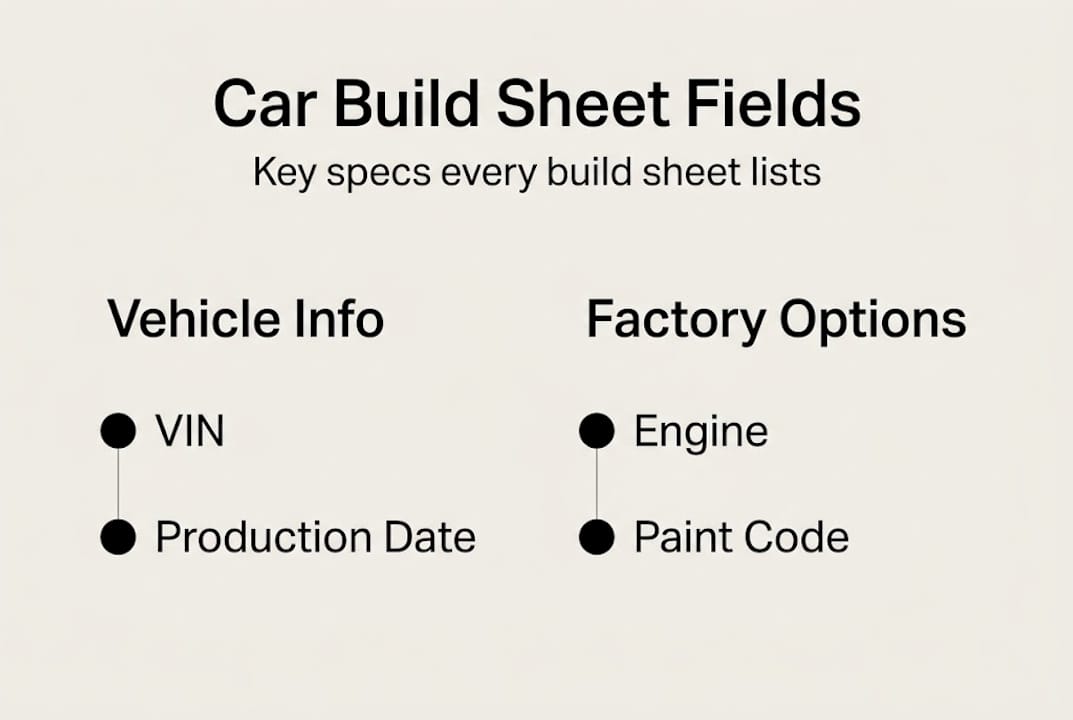
Those fields aren't just interesting trivia. They're the details that specify engine, transmission, and paint codes along with key options, and they each serve a specific purpose for buyers.
Here are the six most important fields to focus on:
- VIN: This links the build sheet to your specific car. Without this match, the sheet means nothing. Always verify the VIN on the document matches the car's dashboard plate and door jamb sticker.
- Engine code: Sellers sometimes misrepresent or are genuinely unaware of which engine variant was installed. The engine code on the build sheet removes all doubt and is particularly critical for performance vehicles where engine variants have wildly different power outputs and values.
- Transmission code: Knowing whether a manual or automatic was factory installed matters both for reliability expectations and for enthusiast buyers who specifically want one configuration over another.
- Paint code: Useful for matching touch-up paint, but also for detecting full repaints, which can signal undisclosed body damage or prior accident repairs.
- Option packages: Confirm whether features like premium audio, sunroofs, towing equipment, or driver assistance systems were factory installed or added aftermarket. Aftermarket additions are not always reliable.
- Production date: Cars built at the beginning or end of a model year often have different components than mid-run units. This matters for parts sourcing and for understanding any early-production quality issues specific to that run.
Using detailed spec verification steps alongside your build sheet gives you a structured way to validate each field before making any financial commitment.
How to find or decode your car's build sheet
Once you know what to look for, the next question is: How do you actually get a build sheet for your car?
The honest answer is that it depends on the vehicle's age, make, and brand. Some manufacturers have made this relatively simple. Others have made it nearly impossible without going through an authorized dealer or specialized service. Here's a practical step-by-step approach:
- Check the manufacturer's website or owner portal: Many automakers offer VIN lookup tools that provide partial or full build data. Ford, GM, and Chrysler brands often provide this through their owner portals at no cost.
- Contact an authorized dealer: Dealers with access to the manufacturer's internal database can sometimes pull a build sheet by VIN. This is especially effective for vehicles under 15 years old.
- Use a VIN decoder tool: Free how to find car specs guides can help you navigate VIN decoding platforms that extract build data from the VIN itself, though coverage varies by make.
- Search enthusiast forums and databases: For collector vehicles, brand-specific owner communities often maintain their own build sheet databases or know which archives to access.
- Physical inspection of the vehicle: Older vehicles sometimes had the original build sheet tucked under the carpet, behind the spare tire, or inside a door panel from the factory. Worth checking.
- Specialized third-party services: Online, manufacturer, and third-party resources offer build sheet access, but quality varies significantly. Some charge fees and still return incomplete data.
For context on what alternatives exist when official channels fall short, resources covering Motortab.com alternatives and Vinsnap.net alternatives outline third-party tools worth considering.
Pro Tip: Never rely on a build sheet from a single source without cross-checking. A seller-provided build sheet should always be verified against the vehicle's VIN through an independent lookup. Discrepancies are a red flag worth investigating before you sign anything.
Build sheets vs. other car documents: What's the difference?
Understanding the build sheet's unique role is even clearer when you compare it to other car paperwork.

Buyers often mix up these documents, and the confusion is understandable. They all relate to the vehicle's identity in some way. But they serve very different functions, and treating one as a substitute for another is a common mistake that leads to gaps in your knowledge as a buyer.
| Document | What it shows | Where to get it | Best used for |
|---|---|---|---|
| Build sheet | Factory specs and installed options at production | Manufacturer, dealer, VIN tools | Verifying original configuration |
| Window sticker (Monroney) | Features, packages, and MSRP at original sale | NHTSA database, some dealers | Understanding original sale context |
| VIN record | Legal identity, registration, basic specs | DMV, VIN decoders | Confirming ownership and title history |
| Vehicle history report | Accidents, owners, service records, title events | Carfax, AutoCheck, NMVTIS | Checking for damage or major events |
As build sheets, window stickers, and VIN records all serve different roles in confirming vehicle specs and history, using only one leaves blind spots.
Here's when each one matters most to buyers:
- Build sheet: When you want to confirm what was actually installed at the factory, especially for performance packages, special editions, or premium features that affect price.
- Window sticker: Helpful for understanding how the car was originally marketed, but it reflects the dealership's pricing context, not factory configuration truth.
- VIN record: Necessary for title verification and registration history. Use spec verification steps alongside VIN records to confirm the car hasn't been flagged for title fraud.
- Vehicle history report: Crucial for spotting accident history, but does not confirm factory specs. A clean history report on a modified car tells you nothing about what's actually under the hood.
For buyers looking at platforms that provide document lookups, evaluating Vinsnap.net alternatives can help identify which tools combine the most document types in one place.
Why a build sheet is your secret weapon and how most buyers get it wrong
Here's the uncomfortable truth most buyer guides skip over: the documents sellers hand you are almost never the documents you actually need.
Sellers offer window stickers because they're optimistic. They show original MSRP and features in the best possible light. Service records look convincing but only reflect what was reported and logged. Even paid vehicle history reports have known gaps. Accidents go unreported. Cash repairs leave no record. Engine swaps done off the books don't show up anywhere.
The build sheet is different. It was created before the car ever reached a dealer lot, by the people who built it. It doesn't care what the seller says happened or didn't happen. When enthusiasts and seasoned buyers have used build sheets to cross-reference vehicles, they've caught swapped engines presented as original, base trim cars sold as premium variants, and rare options claimed on cars that never had them at the factory.
Using specs for buying confidence means treating the build sheet as your starting point, not an afterthought. Cross-reference it against the physical vehicle and the other documents. If something doesn't match, ask hard questions. Most buyers don't do this. That's your advantage.
Access build sheets and more with AutoManual
If tracking down build sheets across manufacturer portals, dealer calls, and third-party tools sounds like more work than you want to do before buying a car, you're not alone.
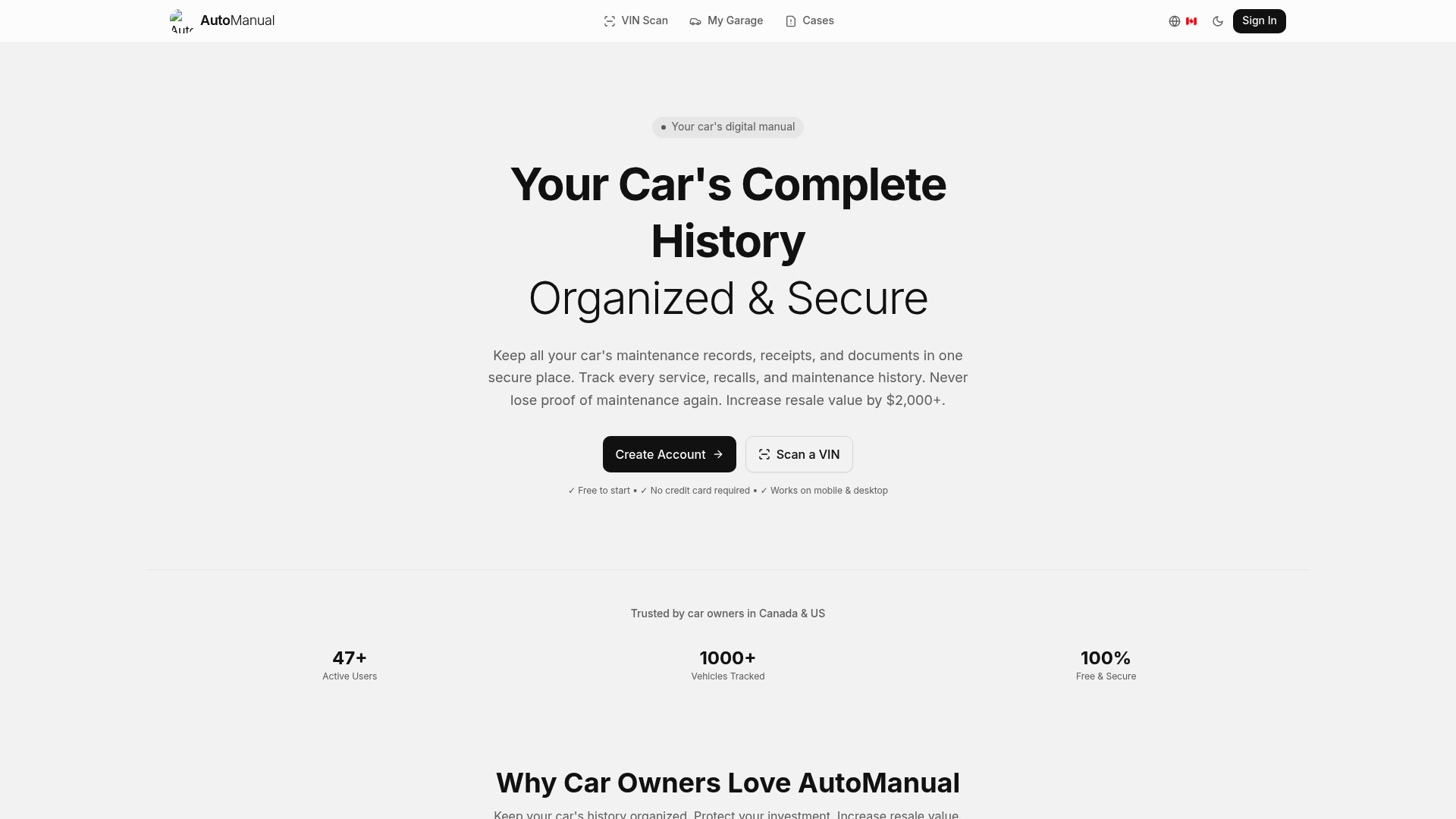
AutoManual is a free VIN decoder and digital car management platform designed to eliminate exactly that friction. You enter any VIN, and AutoManual instantly returns full technical specs, factory configuration details, and decoded build information. No signup required. Beyond lookups, AutoManual functions as a digital garage where you store specs, documents, and ownership history for every vehicle you own. Scan your car for specs today and get a complete picture of any vehicle in seconds.
Frequently asked questions
Is a build sheet the same as a window sticker?
No. A build sheet versus window sticker difference comes down to origin: a build sheet records factory production data, while a window sticker shows features and pricing as presented at the dealership sale.
Where can I find my car's build sheet?
You can request it from the manufacturer, contact authorized dealers with VIN access, or use build sheet access tools including online VIN decoders and specialized archives.
What are the most important details on a build sheet?
Focus on the engine code, transmission type, paint code, factory option packages, and production date. These essentials help verify original configuration and expose misrepresented features.
Can build sheets reveal if a car was modified from its original state?
Yes. Comparing the build sheet to the actual vehicle can expose swapped engines, added aftermarket parts, or changes from original specs that a seller may not disclose voluntarily.