

TL;DR:
- Essential vehicle documents include titles, registration, insurance, and service records.
- Organize papers physically in binders or safes and digitally with backups for maximum security.
- Regularly review, update, and protect your archives to ensure readiness for any car-related issues.
Scrambling through a glove box stuffed with crumpled receipts while a mechanic waits is a frustrating experience most car owners know too well. Whether you're selling your vehicle, filing an insurance claim, or simply renewing your registration, missing paperwork can turn a simple task into a stressful ordeal. This guide walks you through how to identify, gather, organize, and securely store every important vehicle document you own. Follow these steps and you'll never waste time hunting for a title, service record, or insurance card again.
Table of Contents
- Understand which car documents to archive
- Gather and prepare your vehicle documents
- Choose the right storage methods: Physical, digital, or hybrid
- Maintain, update, and protect your car document archives
- What most car owners miss about document archiving
- Simplify archiving with AutoManual
- Frequently asked questions
Key Takeaways
| Point | Details |
|---|---|
| Know what to keep | Identify and gather all essential car documents before organizing. |
| Choose smart storage | Use a mix of physical and digital methods for security and accessibility. |
| Maintain regularly | Review, update, and protect your archives at least twice yearly. |
| Consistency matters | A simple, repeatable system beats a complex one you'll abandon. |
Understand which car documents to archive
To get started, you'll need to know exactly which paperwork deserves a spot in your archives. Not every piece of paper that comes with your car is worth keeping forever, but some documents are absolutely critical.
At a minimum, every car owner should archive the following:
- Vehicle title (proof of ownership)
- Current and prior registration certificates
- Insurance policies and ID cards
- Service and repair receipts
- Emissions and inspection certificates
- Loan or lease agreements (if applicable)
- Recall notices and manufacturer correspondence
- Warranty documents
These documents fall into two broad categories: those you need on the road and those that belong safely at home.
| Document | Keep in car? | Store at home? |
|---|---|---|
| Insurance ID card | Yes | Yes (copy) |
| Registration certificate | Yes | Yes (copy) |
| Vehicle title | No | Yes (original) |
| Service receipts | No | Yes |
| Loan or lease agreement | No | Yes |
| Warranty documents | No | Yes |
Your insurance card and current registration are the two documents you must have accessible while driving. Everything else, especially the title, stays home. As a rule of thumb, store originals of high-value items like your title in a fireproof safe at home.
"Your car title is one of the most difficult documents to replace. Losing it can delay a sale, complicate an insurance claim, and cost you time and money to resolve."
Understanding the difference between road documents and home documents is the first step toward a system that actually works. If you want a deeper look at what belongs in a complete vehicle file, the car record archives guide from AutoManual breaks it down clearly for buyers and owners alike.
Gather and prepare your vehicle documents
Once you know what to keep, the next step is pulling everything together in one place. Most people are surprised to find their car documents scattered across three or four locations.
Here is a practical step-by-step process to gather everything efficiently:
- Check the glove box. Pull out every piece of paper and sort it into two piles: keep and discard.
- Search your home files. Look in filing cabinets, desk drawers, and any folders where you store household paperwork.
- Check your email inbox. Many service centers and dealerships now send digital receipts. Search for your car's make, model, or VIN to surface them quickly.
- Contact your dealership or mechanic. If you're missing service records, most shops keep records on file and can reprint them for you.
- Request duplicates from your DMV. If your title or registration is missing, your state's Department of Motor Vehicles can issue replacements.
- Sort by category and date. Once gathered, group documents by type (insurance, service, registration) and arrange them chronologically within each group.
Pro Tip: Scan each document as you gather it. Even a quick phone photo creates a backup that can save you if the original is ever lost or damaged. Apps like Adobe Scan or Google PhotoScan produce clean, searchable PDFs in seconds.
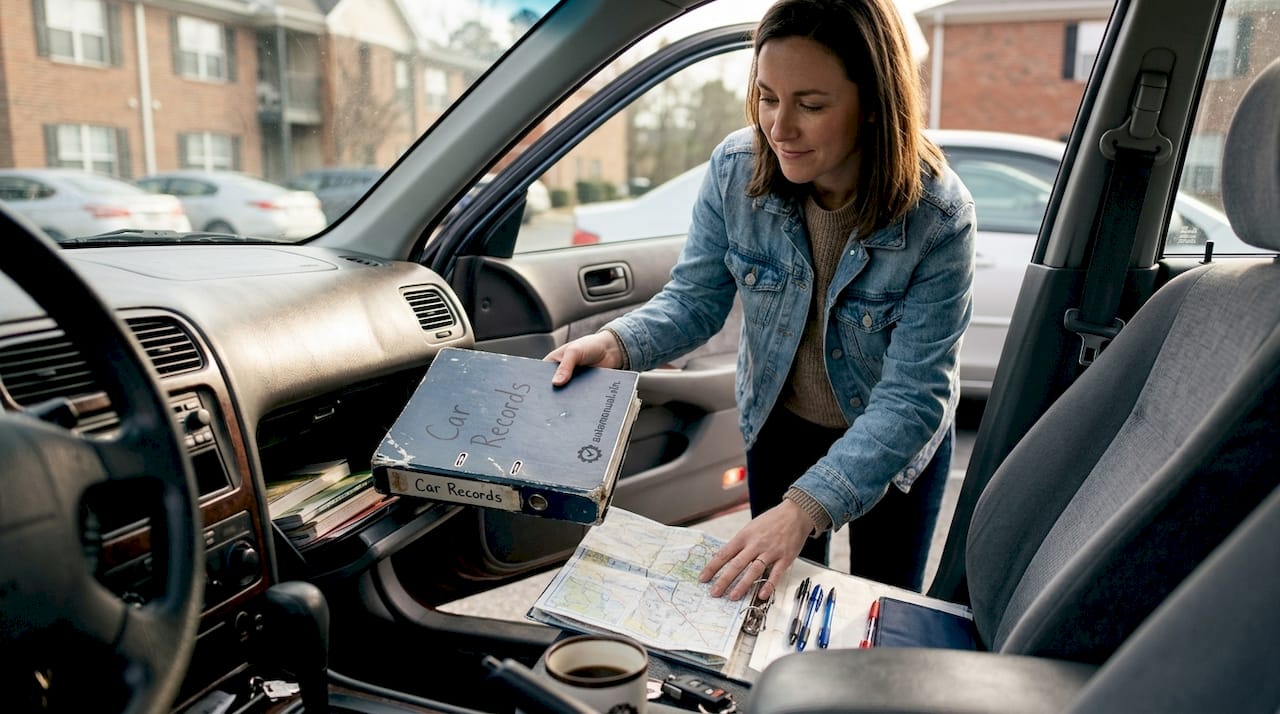
Using physical storage like binders, folders, or glove box organizers keeps road documents accessible without turning your car into a filing cabinet. Label each folder clearly so anyone, including a spouse or co-owner, can find what they need fast.
Tracking your documents is closely tied to tracking your vehicle's overall history. The car ownership tracking process at AutoManual shows how combining document archives with maintenance logs creates a powerful ownership record.
Choose the right storage methods: Physical, digital, or hybrid
Now that you've collected your paperwork, it's time to decide how and where to archive everything. The three main approaches each have real strengths and weaknesses.
| Storage method | Pros | Cons |
|---|---|---|
| Physical only | Tangible, no tech needed | Vulnerable to fire, flood, theft |
| Digital only | Accessible anywhere, easy to share | Risk of data loss, requires tech |
| Hybrid | Best of both worlds | Requires more initial setup |
Physical storage options:
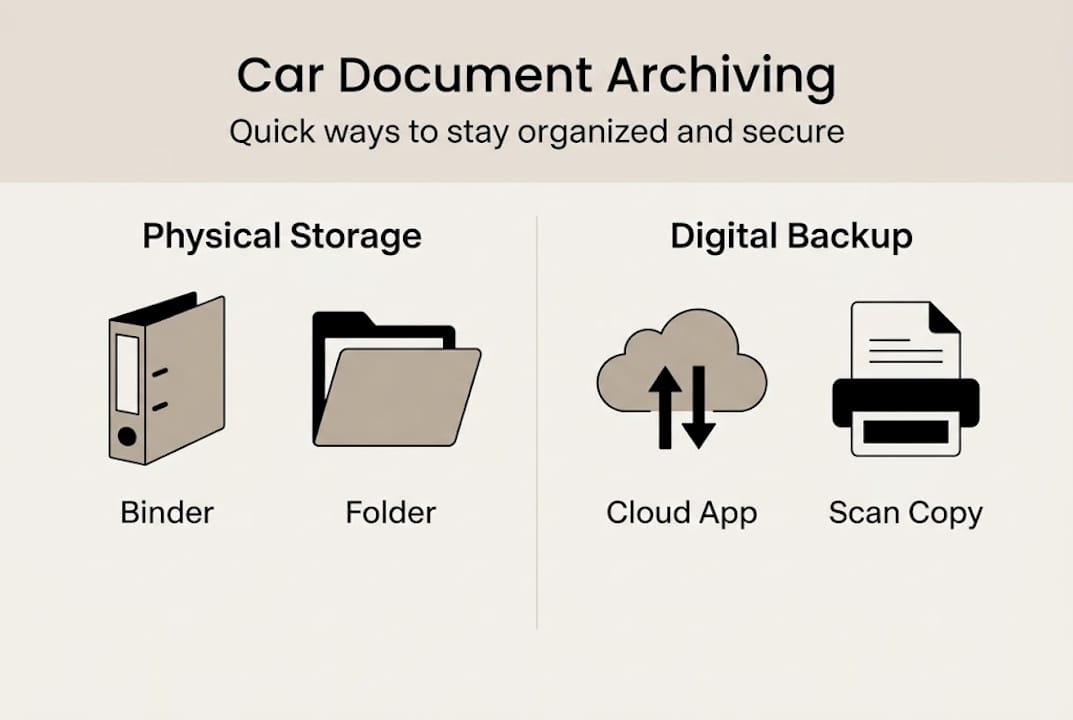
- A labeled three-ring binder with plastic sleeves for each document category
- A fireproof and waterproof safe for originals like the title and loan agreement
- A compact accordion folder or glove box organizer for road documents
Digital storage options:
- Scan documents to a cloud service like Google Drive, Dropbox, or iCloud
- Use a dedicated vehicle management app that stores documents alongside your maintenance history
- Save encrypted PDFs with clear file names (for example: "2019_Toyota_Camry_Title.pdf")
Pro Tip: Always keep backup copies in both formats. A digital file is useless if your phone dies during a roadside emergency. A paper copy is useless if your house floods. The hybrid approach removes both risks at once.
The consensus on hybrid physical-digital systems is clear: combining categorization with regular file maintenance gives you the most reliable archive over time.
For a full breakdown of going paperless with your vehicle records, the digital car recordkeeping guide covers the tools and workflows that work best. If you manage more than one vehicle, car portfolio management strategies can help you keep multiple sets of records organized without confusion.
Maintain, update, and protect your car document archives
Your archive is only as good as the maintenance you put into it. Here's how to keep it accurate, up-to-date, and safe.
Building the archive is the hard part. Keeping it current is mostly a matter of forming a few simple habits.
Steps for ongoing archive maintenance:
- Add new documents immediately. After every service visit, oil change, or repair, file the receipt the same day. Waiting creates backlog.
- Update insurance and registration annually. When you renew, replace the old card or certificate with the new one. Shred outdated documents.
- Review your archive twice a year. A quick 15-minute check in January and July catches anything that has slipped through.
- Back up your digital files after major updates. If you add several new service records, sync your cloud storage or copy files to an external drive.
Here are key ways to protect your archives from loss or damage:
- Store physical originals in a fireproof and waterproof container
- Use two-factor authentication on any cloud storage account
- Keep a second digital copy on a separate device or external hard drive
- Avoid storing documents in your car long-term since vehicles get broken into
"Safeguard automotive documentation against fire, theft, or natural disasters by maintaining both physical and digital backups in separate locations."
Verification matters too. Every few months, open a random document from your archive and confirm it loads correctly, is legible, and is the right file. Digital files can become corrupted, and physical documents can fade.
For a structured approach to what to track and when, the car maintenance checklist pairs naturally with your document archive. And if you're focused on resale value, a complete vehicle service history is one of the most powerful tools you have when negotiating a sale price.
What most car owners miss about document archiving
Here's an uncomfortable truth: most people only start organizing their car documents after something goes wrong. A failed sale, a disputed insurance claim, or a registration problem forces the issue. By then, the damage is already done.
The real value of a document archive isn't convenience. It's proof. When you need to demonstrate a warranty repair was done, show a buyer your full service history, or confirm ownership during an emergency, your archive either saves you or fails you. There's no middle ground.
What we've noticed is that the most effective systems aren't the most elaborate ones. A simple binder updated consistently beats a sophisticated filing system that nobody maintains. Building maintenance checklist habits into your routine is what separates car owners who are always prepared from those who are always scrambling.
Start small. File one document today. The system builds itself from there.
Simplify archiving with AutoManual
Ready for an even easier way to store and access your car documents? AutoManual brings everything together in one place so you're never left searching through stacks of paper or scattered email folders.
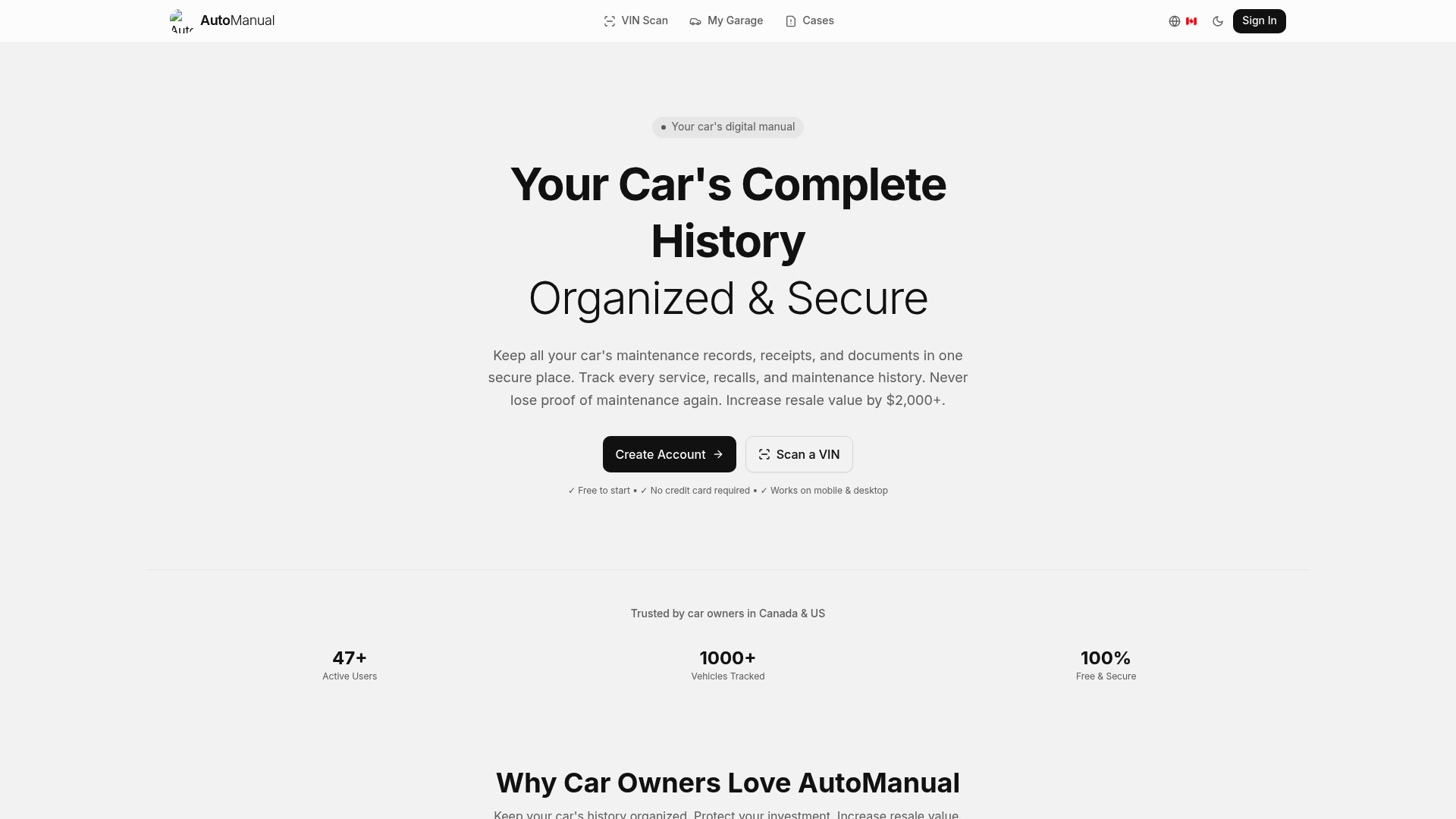
With AutoManual, you can scan your documents directly into your digital garage alongside your vehicle specs, maintenance history, and ownership details. Every file is organized by vehicle and accessible from any device. The AutoManual digital vault gives you a secure, centralized home for all your car records without requiring a signup to get started. It's the simplest way to turn a chaotic pile of paperwork into a clean, searchable archive you can actually rely on.
Frequently asked questions
What are the most important car documents to archive?
The most critical documents include your car title, registration, insurance policies, service records, and inspection or emissions certificates. You should keep car titles, registration, insurance, and service records organized and accessible at all times.
Is it safe to store car documents digitally?
Yes, storing documents digitally is safe when you use secure apps or encrypted cloud storage. Hybrid systems are best, combining physical and digital copies for maximum protection.
How often should I update or declutter my car document archives?
Review and update your car documents at least twice a year or after major events like service visits or ownership changes. Regular maintenance and decluttering of files prevents outdated paperwork from creating confusion.
Where should I store the original car title?
Keep the original car title at home in a fireproof safe and carry only a photocopy if needed. Store originals of high-value items like the title somewhere secure to protect against loss or theft.