

TL;DR:
- Maintaining organized physical and digital vehicle records is essential for trust and value.
- Using a hybrid system of both physical binders and digital archives offers the best protection and accessibility.
- Automated tools and proper backups enhance record accuracy, resale value, and ease of management.
Picture this: you're ready to sell your car, and the buyer asks for a full service history. You dig through a kitchen drawer, the glovebox, and three shoeboxes before coming up empty. That moment costs you money, trust, and time. Whether you own a daily driver or a prized collector car, a well-organized vehicle archive is one of the most valuable things you can maintain. This guide walks you through exactly how to build one, from gathering every document you need to automating the whole system so it practically runs itself.
Table of Contents
- Gather your vehicle documents and tools
- Establish your physical archive system
- Create and maintain a digital archiving system
- Automate and integrate your vehicle information management
- Why hybrid archiving is the gold standard for owners and collectors
- Take your archiving further with digital tools
- Frequently asked questions
Key Takeaways
| Point | Details |
|---|---|
| Hybrid systems are best | Combining physical and digital archiving with regular checks maximizes safety and access. |
| Retention matters | Keep key documents such as registrations and bills of sale indefinitely to protect ownership and value. |
| Organization simplifies maintenance | Well-structured archives make maintenance, insurance, and resale processes smoother and more credible. |
| Automation reduces errors | Digital platforms and reminders help minimize mistakes and keep records up-to-date. |
Gather your vehicle documents and tools
After setting the stage for why archiving matters, let's identify what you actually need and how to gather it efficiently.
Before you organize a single piece of paper, you need to know what you're working with. Many owners are surprised to discover how many documents a single vehicle generates over its lifetime. Pulling everything together first, rather than organizing as you go, gives you a complete picture and prevents gaps.
Start by collecting every physical document tied to your vehicle. This includes:
- Title and registration (current and any previous)
- Insurance certificates (active and expired)
- Maintenance and repair receipts from dealers and independent shops
- Emission or safety inspection reports
- Bills of sale from when you purchased the vehicle
- Warranty booklets and extended warranty contracts
- Recall notices and manufacturer correspondence
- Tax-related documents for business use vehicles or deductions
- Modification receipts for any aftermarket upgrades
Knowing how long to keep each category matters just as much as finding them. According to best practices for vehicle record retention, you should retain registration documents indefinitely while you own the vehicle, keep maintenance records at least one year after selling, hold bills of sale indefinitely, store insurance documents until the policy ends plus three to six years, and keep tax-related records for a full seven years.
Once you know what you have, gather your tools. For physical organization, you'll need a three-ring binder or dedicated logbook, tabbed dividers, page protectors, pre-printed or handwritten labels, and a waterproof document pouch for glovebox storage. For digital work, a flatbed scanner or a high-quality smartphone scanning app, cloud storage access (Google Drive, OneDrive, or Dropbox), and at least one external hard drive will cover you.

Physical vs. digital: Which is better?
Neither method wins outright on its own. Here's a direct comparison:
| Feature | Physical archive | Digital archive |
|---|---|---|
| Accessibility | Good if organized | Excellent (searchable) |
| Sharing ability | Requires photocopying | Instant via link or email |
| Risk | Fire, water, loss | Corruption, hacking |
| Cost | Low (binders, labels) | Low to moderate |
| Best use | Quick glovebox access | Long-term backup |
| Recommended for | All owners | All owners |
The takeaway: build both. Learning more about archiving car documents can help you see how these two methods work together rather than competing with each other.
Establish your physical archive system
Once you have your documents and tools ready, you can build your physical archive for fast access and security.
A physical archive done right is fast to use and hard to mess up. The key is creating a consistent structure you'll actually maintain. Here's how to set one up step by step:
- Sort documents into categories. Use the same list from the gathering phase: ownership, insurance, maintenance, repairs, modifications, taxes, and miscellaneous correspondence.
- Label each binder tab clearly. Use printed labels rather than handwritten ones for durability. Include the vehicle's year, make, model, and VIN on the binder spine.
- Slide documents into page protectors. This prevents wear, keeps receipts from fading, and protects against minor moisture exposure.
- Create a master index. Add a single-page table of contents at the front of the binder listing each section and what it contains.
- Set up a glovebox pouch. Store only what you need daily: current registration, insurance card, and roadside assistance info. Keep originals at home in a fireproof safe.
- Schedule routine checks. At least twice a year, flip through the binder to pull expired documents, add new ones, and confirm nothing is deteriorating.
Your home storage location matters more than most owners realize. A fireproof safe or a waterproof lockbox protects against the two biggest physical threats. A standard filing cabinet in a basement is vulnerable to flooding, while a shelf in a hot garage accelerates paper degradation over time.
"Physical binders and logbooks are excellent for glovebox quick access, but they carry real risks of loss and damage. Digital systems excel at searchability and sharing but can be vulnerable to corruption. A hybrid approach combined with regular integrity checks is the optimal solution."
Pro Tip: Write a brief cross-reference note inside the front cover of your binder listing the folder names in your digital archive. If someone else ever needs to locate a document, they'll have a roadmap for both systems instantly.
Shredding outdated documents is as important as keeping the right ones. Set a monthly reminder to shred anything older than its retention period. After a vehicle sale, shred maintenance records older than one year, destroy expired insurance cards, and dispose of any personal financial information tied to that vehicle. For more detail on what to keep and what to cut, the record archive tips from AutoManual's buyer guide are worth reviewing before your next audit.
Create and maintain a digital archiving system
With your physical archive established, let's modernize by setting up a robust digital archive that makes everything searchable and shareable.
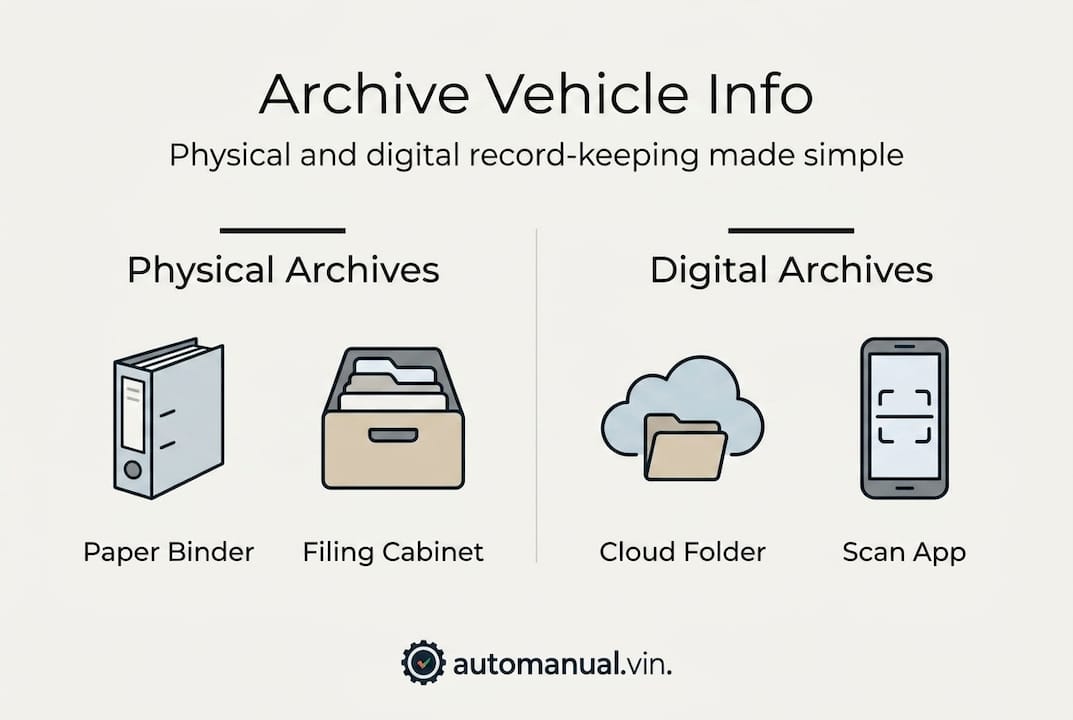
Digital archiving is not just a backup plan. For most owners, it becomes the primary way to access, share, and track records because it is simply faster. A well-structured digital system can return any document in under thirty seconds. A poorly structured one is just a messy drawer with a screen.
Here is the folder structure that works best for vehicle archives:
| Level | Example |
|---|---|
| Root folder | My Vehicles |
| Vehicle folder | 2018_Honda_Civic_VIN1HGBH41JXMN109186 |
| Category folders | Maintenance, Insurance, Registration, Modifications |
| File names | 2024-03_OilChange_QuickLube_Receipt.pdf |
Naming files by date first (YYYY-MM format) means they automatically sort chronologically inside any folder, so you never have to hunt for the most recent record.
Steps to build your digital archive:
- Scan every physical document using a scanner or an app like Adobe Scan or Microsoft Lens, saving each file as a PDF.
- Import existing digital documents (emailed receipts, PDF invoices) directly into the appropriate subfolder.
- Photograph any physical items that can't be easily scanned, such as window stickers or logbooks, and save them as high-resolution JPEGs.
- Upload everything to your cloud service of choice. As recommended by experts on digital record organization, cloud services like Google Drive, OneDrive, and Dropbox are well suited for storing owner's manuals, service records, receipts with parts and labor details, and registration and insurance documents organized by category and date.
- Mirror your cloud folder to an external hard drive at least once per quarter.
Pro Tip: Use a free checksum tool like MD5 or SHA-256 to generate a unique fingerprint for your most important files. Save that fingerprint in a text file alongside the document. Months later, re-run the checksum to confirm the file hasn't been corrupted. This is especially useful for title documents and bills of sale.
Sharing digital records is where the real convenience shows up. When your mechanic needs to see the last three oil changes, you send a link. When an insurer needs repair documentation, you attach a PDF. When a buyer wants full service history, you share a read-only folder. This is why your digital recordkeeping guide should be treated as a living document, updated every time you add new records rather than in a single annual batch.
Automate and integrate your vehicle information management
To take your archiving to the next level, use automation tools that save time and protect your investment.
Manual archiving works, but it depends entirely on your consistency. Automation removes that dependency. Instead of remembering to log every oil change, the system prompts you, accepts the input, and stores it immediately.
Specialized platforms have emerged to fill this exact need. Specialized tools like HVMR enable cloud storage of maintenance and inspection records, integration with service directories, seamless sharing with insurers and garages, and automated reminders for renewals and upcoming service intervals. This is particularly valuable for historic and collector vehicles where provenance documentation is a financial asset.
Here's how leading digital platforms compare for vehicle management:
| Feature | Manual (binder/folder) | AutoManual | HVMR |
|---|---|---|---|
| Automated reminders | No | Yes | Yes |
| VIN-based spec import | No | Yes | Limited |
| Garage integration | No | Yes | Yes |
| Collector-focused features | No | Partial | Yes |
| Free to use | Yes | Yes | Varies |
Setting up automation doesn't have to be complicated. Follow these steps to get started:
- Enter your vehicle VIN into your chosen platform. This auto-populates factory specs, recall status, and baseline maintenance schedules.
- Import your existing records by uploading the PDFs and photos from your digital archive.
- Enable reminders for registration renewal, insurance renewal, oil changes, tire rotations, and annual inspections.
- Connect with your service provider if the platform supports it, so work orders sync automatically after each shop visit.
- Set a quarterly review reminder to verify all automated records match your physical binder.
Furthermore, cloud tools like HVMR integrate records directly with garages for real-time updates, which dramatically reduces manual entry errors. Paper-only methods are prone to loss, misfiling, and human error during transcription. A platform that accepts direct input from a service provider eliminates an entire layer of potential mistakes.
The value of real-time updates extends beyond convenience. Understanding maintenance history importance clarifies just how directly accurate, timestamped records translate into higher resale offers, smoother insurance claims, and faster warranty work.
Why hybrid archiving is the gold standard for owners and collectors
Here's an opinion you won't see everywhere: going fully digital is not as safe as most people assume, and going fully physical is not as reliable as most old-school owners believe. The collectors and owners who get the best outcomes, meaning the highest resale prices, the smoothest transactions, and the fewest surprises, are the ones who use both systems in parallel and audit them regularly.
Physical records fail when they burn, flood, or simply get left behind during a move. Digital records fail when drives corrupt, cloud accounts get compromised, or a platform shuts down. Neither is invincible. But a hybrid system where each backs up the other creates a resilience that neither can achieve alone.
For collectors specifically, documentation is not administrative work. It is a financial asset. Matching numbers and original components can boost auction value by 20 to 50 percent according to expert consensus. But here is the part most guides skip: documenting modifications or component swaps transparently actually preserves credibility, while hiding them destroys it. A buyer who discovers an undocumented engine swap at a later date feels deceived, and that damages not just one sale but your reputation.
The smartest collectors we've observed treat their archive as part of the car's story, not just its paperwork. They document everything, explain the reasoning behind changes, and keep records honest. That transparency, combined with maximizing resale value through a complete service history, is what separates a profitable collection from an expensive hobby.
Take your archiving further with digital tools
Ready to simplify your archive and safeguard your records? Here's how AutoManual can help.
AutoManual gives you a free, instant head start. Enter any VIN and get full factory specs without signing up. That alone saves hours of manual data entry when starting a new vehicle profile.
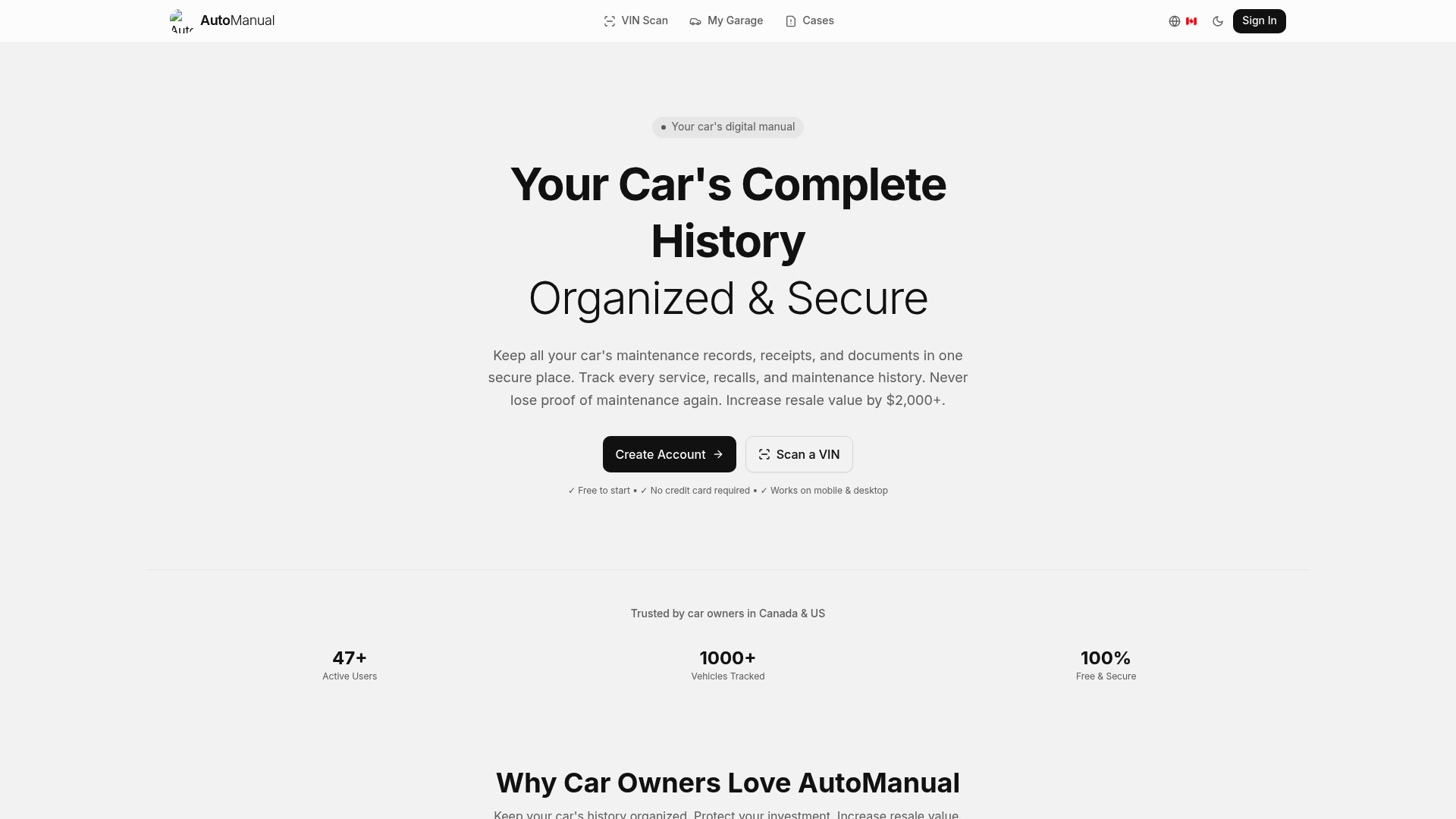
From there, you can scan your car documents and store them directly inside your vehicle's digital profile, keeping everything tied to the right VIN automatically. The digital car profile tool acts as your digital garage, connecting specs, maintenance history, documents, and ownership details in one accessible place. Whether you're managing one car or an entire collection, AutoManual is built to make your archive work harder so you don't have to.
Frequently asked questions
How long should I keep car maintenance records?
Maintain records at least one year after selling your car. For vehicles still in your possession, keep maintenance records indefinitely to support resale value and warranty claims.
What's the safest way to store documents digitally?
Use both a secure cloud service and a local external hard drive, with regular backups and periodic integrity checks. Platforms like Google Drive, OneDrive, and Dropbox support organized folder structures that make retrieval fast and sharing simple.
Are automated platforms better than manual systems?
Automated platforms significantly reduce errors and keep records current without relying on your memory alone. Real-time garage integration means records update immediately after each service visit, something no manual paper system can match.
How does archiving affect vehicle resale value?
A complete, honest archive directly supports higher offers and faster sales. Original components documented transparently can increase auction value by 20 to 50 percent, making thorough archiving one of the highest-return activities any car owner can invest time in.