

Searching for the right tool can feel like hunting for treasure. Sometimes the most popular choice is not the best fit for everyone. People want options that match their needs and preferences. With so many platforms offering different features and pricing, choosing the right one can be tricky. Some alternatives unlock possibilities you might not expect. Curious to discover what sets each apart and which could be your next favorite? The answers are just ahead.
Table of Contents
AutoManual VIN
At a Glance
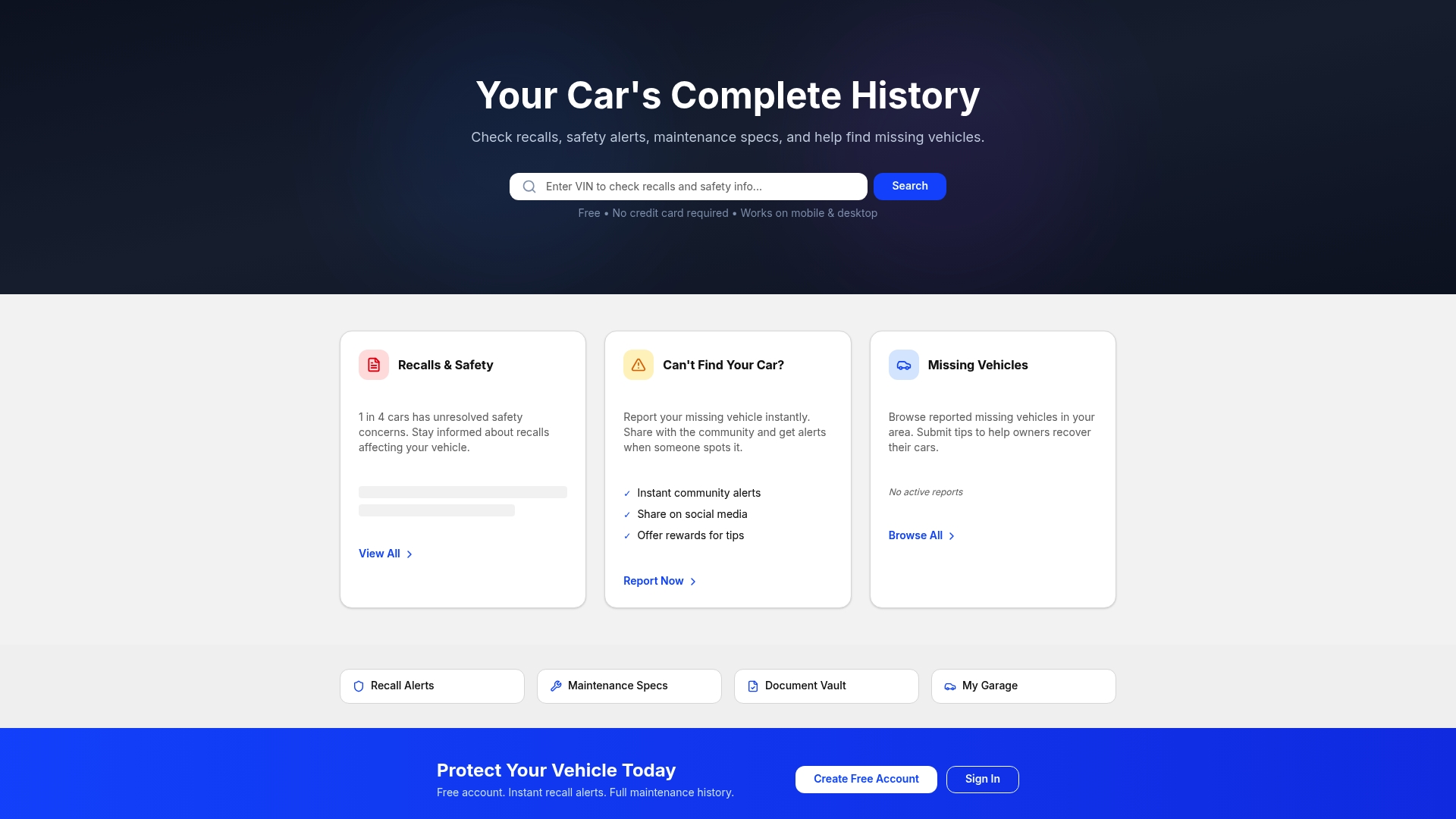
AutoManual VIN is a free VIN lookup and vehicle management hub that puts recall alerts, safety notices, and vehicle history at your fingertips with no credit card required. It is accessible on mobile and desktop and aims to pair community reporting with practical tools for buyers and owners.
Core Features
AutoManual VIN combines quick vehicle checks with ongoing vehicle management features to support buying and ownership decisions.
- Check recalls and safety alerts instantly so you know safety issues before you buy.
- Find missing vehicles and report them to a community that can help recover cars.
- Browse reported missing vehicles in your area for community awareness and alerts.
- Access to maintenance specifications to confirm service needs and intervals.
- Document vault for vehicle documents so service records and ownership papers stay organized.
Pros
- Free account creation and use: You can access core tools and lookup features without paying or entering payment details. This lowers the barrier for buyers doing quick checks.
- Instant recall alerts: Alerts arrive quickly so you can act on safety notices before they become costly problems.
- Community sharing features for vehicle recovery: The community reporting tools extend reach beyond a single inquiry and increase chances of finding missing vehicles.
- Accessible on mobile and desktop devices: You can run checks from the lot or pull records at home with the same interface.
- Offers useful vehicle history information: The platform surfaces practical history details that help buyers and owners make informed choices.
Who It's For
AutoManual VIN is for car owners, used car buyers, and enthusiasts who value safety information and community support. If you want a fast way to confirm recalls, track maintenance specs, or report a missing vehicle this service matches that need.
Unique Value Proposition
AutoManual VIN stands out by pairing a no cost VIN lookup with a digital document vault and community driven recovery tools. That combination makes it a top choice for sophisticated buyers who want more than a one time lookup. Instead of charging for every lookup AutoManual VIN keeps core capabilities free and accessible. Its community features add practical recovery and reporting value that many database only services lack. The current 404 content hint suggests active development rather than abandonment. That occasional content gap reads as a sign the site evolves and adds features, not as a showstopper. For buyers and owners who prioritize safety, quick verification, and ongoing vehicle record keeping this product delivers unmatched practical value.
Real World Use Case
A buyer inspects a used sedan and runs the VIN on their phone. They confirm there are active recalls, download maintenance specs to check past service intervals, and save the vehicle documents to the vault. If the car were reported missing the community tools would let them flag and share that information.
Pricing
AutoManual VIN is free to use and does not require a credit card. That makes it easy to run multiple checks during a shopping session without subscription concerns.
Website: https://automanual.vin
AutoLog
At a Glance
AutoLog is a browser based maintenance log built to replace messy paper records and scattered Excel files. It gives you a simple, centralized place to add cars, record maintenance, and keep long term documentation that helps at resale.
Core Features
The app focuses on four clear capabilities: add your cars easily, record and update maintenance logs, track key vehicle details, and access logs from any device with a browser. These capabilities target everyday vehicle owners who want straightforward, reliable record keeping.
Pros
- Easy to use interface: The interface keeps fields and actions simple so you can record maintenance without a learning curve.
- Accessible from multiple devices: Because it runs in a browser you can reach your logs from a phone or a laptop anywhere you have internet access.
- Helps in maintaining organized vehicle records: The structure turns scattered receipts and notes into searchable, dated entries that follow a car over years.
- Suitable for long term record keeping and resale purposes: Keeping a neat history can support higher resale value by proving consistent maintenance.
- Quickly add and update vehicle information: Entering a new car or logging a service takes only a few steps which saves time during busy weeks.
Cons
- Limited information on advanced features or integrations: The available details do not describe integrations with parts catalogs, service shops, or diagnostic tools, which limits workflow connections.
- No details about pricing or subscription plans: The site does not list pricing which makes it hard to evaluate total cost before committing.
- Potential limitations without mobile app mention: The lack of a dedicated mobile app might hinder offline entry or push notifications when you need reminders.
Who It's For
Vehicle owners who want a simple, digital solution for maintaining maintenance logs and vehicle details will get the most value. If you track one to several cars and prefer minimal setup over complex fleet management, this fits your needs.
Unique Value Proposition
AutoLog replaces paper and Excel with a focused, browser based log that keeps a continuous maintenance history for each vehicle. The main advantage is clarity: a single place for dates, services, and specs that follow a car into resale.
Real World Use Case
A car owner records scheduled oil changes, documents a brake replacement, and uploads service notes after each visit. The owner then uses the organized log when selling the car to show consistent maintenance and justify asking price.
Pricing
Pricing is not specified on the website which means you must contact the provider or test the service to confirm any fees, free tiers, or trial periods.
Website: https://useautolog.com
Fuelly
At a Glance
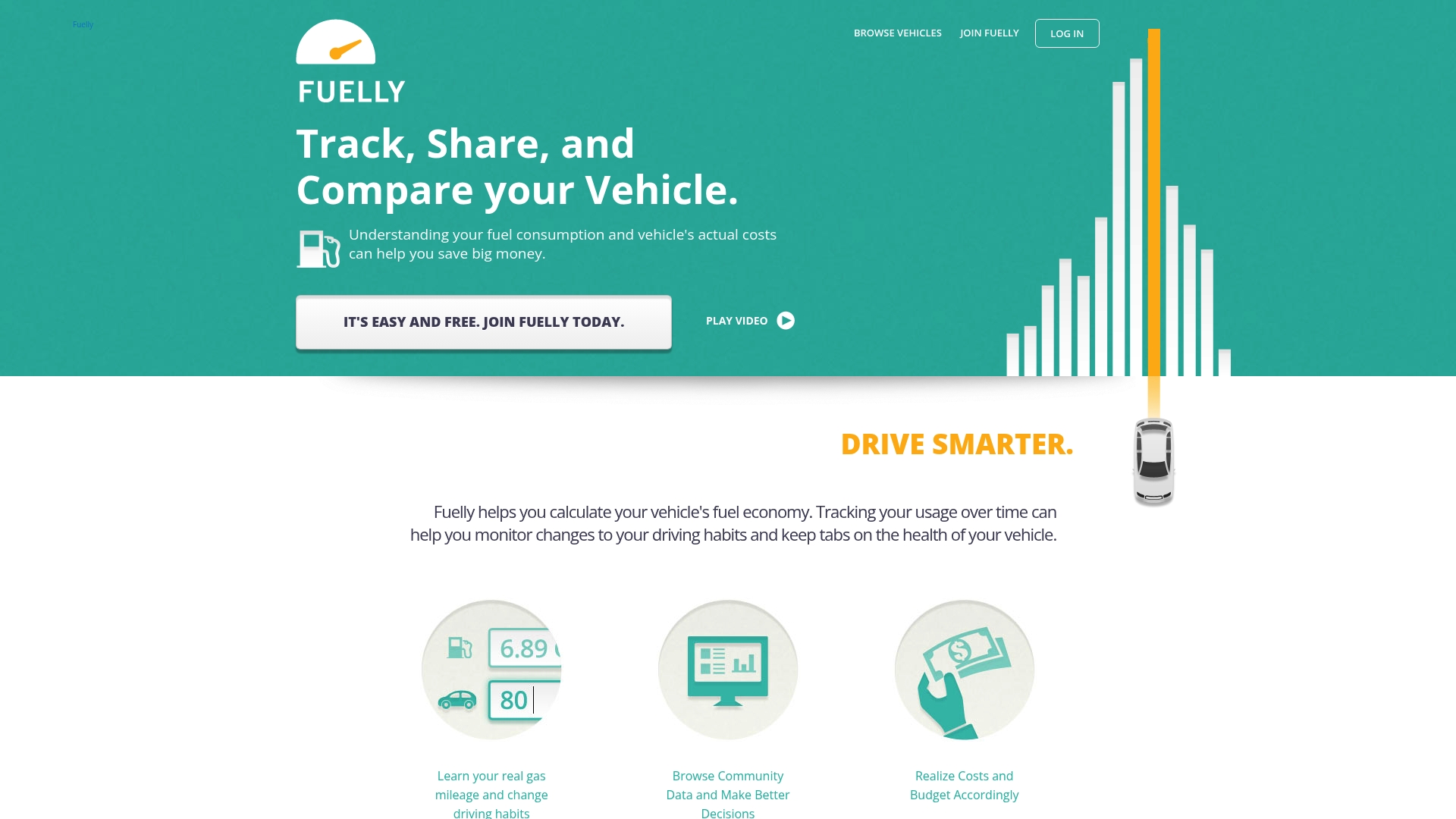
Fuelly is a focused fuel tracking tool that helps drivers measure and reduce fuel costs through regular logging and community comparison. It is simple to use, reliable for fuel economy analysis, and best when you commit to consistent data entry.
Core Features
Fuelly centers on track fuel consumption and calculate real-world fuel economy so you can see what your vehicle actually uses. The platform provides reports on vehicle performance and costs, multivehicle support, period-to-period comparison, and access via web, mobile apps, and SMS.
Pros
-
Clear fuel insights: Fuelly helps users understand their vehicle's fuel efficiency by turning fuel-ups into actionable statistics.
-
Community comparisons: The platform offers community data so you can compare your vehicle to others and find realistic benchmarks.
-
Quick vehicle setup: It is easy to add vehicles and record fuel-ups, which lowers the barrier to consistent tracking.
-
Detailed analytics: Users receive reports and analytics that highlight patterns in consumption and cost over time.
-
Cross device access: Fuelly is accessible across multiple devices so you can log fuel and check reports from phone or desktop.
Cons
-
Dependent on user input accuracy: The value of every report depends on how exactly you log odometer readings and fuel amounts, so errors alter results.
-
Limited features without account creation: Some personalized features require signing up, which reduces capability for anonymous or casual users.
-
Narrow focus on fuel: Fuelly concentrates on fuel tracking and does not provide broader maintenance scheduling or document management found in digital garage tools.
Who It's For
Vehicle owners who want straightforward fuel cost tracking and fuel economy analysis will get the most from Fuelly. If you log fuel regularly and value community benchmarks, this is a practical, low friction tool to quantify driving costs.
Unique Value Proposition
Fuelly stands out by converting routine fuel-ups into long term clarity on efficiency and expenses. The combination of detailed reports and a community data pool makes it easier to see where your vehicle sits against similar models.
Real World Use Case
A driver records each fuel-up and mileage on Fuelly for six months, then reviews monthly reports to spot inefficient driving times. After adjusting routes and tire pressure, the owner documents measurable savings and improved MPG in the platform.
Pricing
Fuelly is free to use with optional account registration for personalized features and saved histories. Users can access basic tracking without payment and gain extra convenience after creating an account.
Website: https://fuelly.com
CARFAX
At a Glance
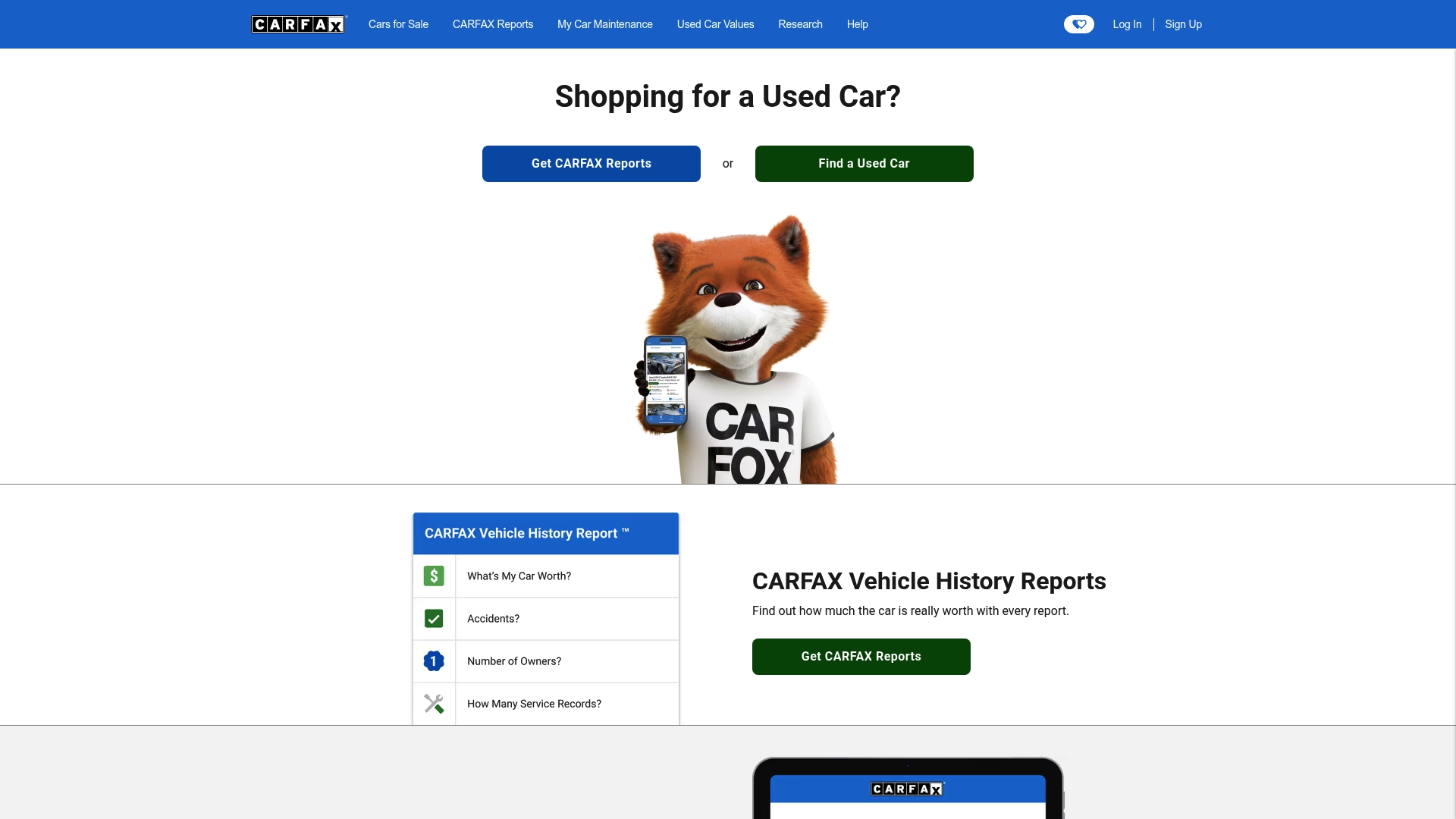
CARFAX provides Vehicle history reports and research tools that help buyers and sellers verify a car's past and current condition. It has a large database and useful valuation and maintenance features, but detailed reports require payment and some records can be missing.
Core Features
CARFAX centers on Vehicle history reports and Car valuation tools with searchable used and new car listings. The platform also offers car research resources, car maintenance tracking, a service shop finder, a simple sell your car flow, and recall alerts for owners vehicles.
Pros
-
Comprehensive vehicle history reports: The platform aggregates title, accident, and service entries that reveal ownership and damage history for many vehicles.
-
Extensive database and brand listings: CARFAX covers a broad set of makes and models so you can research many vehicles and compare listings side by side.
-
Useful tools for buying selling and maintaining vehicles: Valuation calculators and maintenance trackers help you estimate worth and follow service schedules.
-
Resources for research and valuation: Detailed research pages help you confirm market values and common issues for specific models.
-
Mobile app availability: A mobile app gives access to reports and tracking when you inspect cars in person.
Cons
-
Dependent on the data supplied to CARFAX which may not be complete for all vehicles: Records depend on reported events and some private repairs or unreported accidents will not appear.
-
Requires payment for detailed vehicle history reports: Free summaries exist but full reports and many tools require fees which add to buying costs.
-
Potential overload of information for casual users: The volume of data and technical entries can confuse buyers who only need a quick overview.
Who It's For
CARFAX fits used car buyers who want verification beyond seller claims and owners who want to track service and recalls. It also suits dealerships that need quick access to history and valuations before listing inventory.
Unique Value Proposition
CARFAX combines a long established history database with market valuation and maintenance tools to give one place for history checks and ownership tracking. Its strength is in turning fragmented records into a readable report that supports confident decision making.
Real World Use Case
A buyer finds a three owner 2014 sedan and opens a CARFAX report to confirm past accidents, verify service records from local shops, and check ownership changes. The report flags a past damage event and recall notices so the buyer negotiates a lower price.
Pricing
Pricing details are not explicitly provided in the source material. The service generally offers fee based vehicle history reports and paid features alongside some free summaries and tools.
Website: https://carfax.com
CARFAX
At a Glance
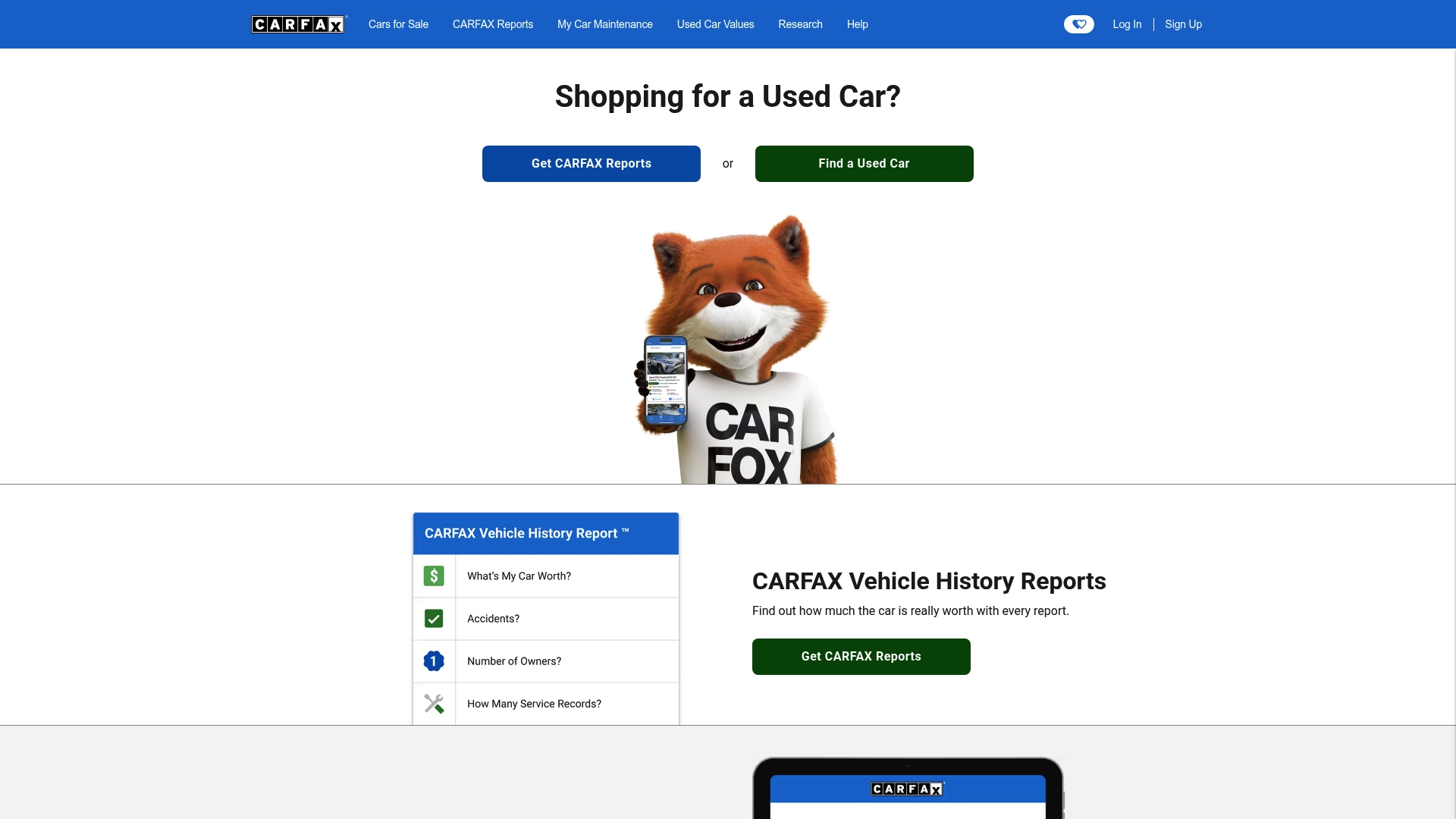
CARFAX is best known for its vehicle history reports that give used car buyers a clear starting point for inspections and negotiations. Its mix of valuation tools and recall monitoring makes it useful for both buyers and owners looking to verify a car's past.
Core Features
CARFAX provides detailed vehicle history reports, car valuation tools, a selling platform, and recalls monitoring to help owners track safety issues. The site also offers research resources across brands and vehicle types so you can compare histories and basic specs before you buy.
Pros
-
Trusted source for vehicle history information: Many buyers rely on CARFAX reports when deciding whether to inspect or walk away from a used car.
-
Wide range of tools for buyers and sellers: The platform combines history reports, valuation guidance, and selling tools to support both sides of a transaction.
-
Resources for vehicle maintenance and research: Owners can find recall details and basic maintenance guidance that help keep a car safe and road ready.
-
User friendly website and mobile app integration: The website and app make it simple to run a VIN check and save reports between devices.
-
Offers comprehensive car data including recalls and valuations: CARFAX collects multiple data points so reports include accidents, title issues, and value estimates.
Cons
-
Information depends on records supplied to CARFAX so reports may not include every event in a vehicle's past.
-
Some detailed reports and services require additional purchase which raises the total cost for deep research.
-
The platform focuses on history and research and does not provide direct in app listings for buying cars end to end.
Who It's For
CARFAX fits people planning to buy a used car who want a documented history before they commit to a test drive. It also serves sellers who need to verify and present a vehicle history and owners who want to monitor recalls and maintenance records. Dealership professionals use it for appraisals.
Unique Value Proposition
CARFAX stands out for centralized access to multiple public and private data sources compiled into a single vehicle history report and valuation estimate. That concentrated view helps you spot red flags like accident histories or title problems faster than searching multiple sources separately.
Real World Use Case
A buyer finds a private party listing and runs a CARFAX report to check for accident damage, title brands, and odometer discrepancies. The report flags a past collision and frame damage which prompts a professional inspection and a revised offer. The buyer avoids a costly mistake.
Pricing
Pricing varies by report and service with some basic checks offered for free and detailed reports available for purchase. Expect to pay for full history reports when you need comprehensive incident and title data.
Website: https://carfax.com
Hum

At a Glance
Hum offered a focused suite of family and vehicle safety tools that are now folded into the Verizon Family app under the Plus tier. The original Hum services are discontinued after Dec 31, 2025, but core safety features remain available through Verizon.
Core Features
Hum centered on four safety capabilities that families and drivers value most. Those capabilities appear in Verizon with the same intent: prevent harm, detect crashes, and get help quickly.
- Location monitoring for real time tracking of family vehicles.
- Crash detection that alerts contacts and emergency services when impact is detected.
- Driving insights that surface trip summaries and driving behavior.
- Roadside assistance for tow, jump start, and lockout support.
Pros
- Comprehensive safety features for families and drivers. The original feature set covered tracking, crash alerts, and roadside help in one place.
- Supported by Verizon's trusted network. Integration means wider carrier support and access to Verizon customer resources.
- 24/7 roadside support services. Users can request help any time without searching for local providers.
- Easy transition for existing Hum customers to Verizon services. Existing users receive a path to continue similar features after the shutdown.
- User-friendly mobile app interface for safety management. The app layout prioritizes alerts, location, and help requests.
Cons
- Hum's standalone services are no longer available after Dec 31, 2025. The original Hum product line is discontinued and cannot be purchased as a separate offering.
- Dependent on Verizon's services and app for ongoing safety features. Continued use requires moving to Verizon's ecosystem and app.
- Potential costs associated with Verizon's plans. Features now live inside a paid tier which may increase monthly expenses for some families.
Who It's For
Families and drivers who want consolidated vehicle and personal safety tools and who are willing to use Verizon for service delivery. Existing Hum customers looking for continuity will find the migration convenient.
Unique Value Proposition
Hum's value lives on through Verizon: the safety features are the same practical tools combined with Verizon's network reach and support. That combination keeps safety features accessible while removing the need to manage a separate Hum subscription.
Real World Use Case
A parent uses the Verizon Family app to watch a teenager's after school trips, get immediate alerts if a crash occurs, and call roadside assistance from the app when a tire goes flat. The whole flow stays inside one app and one account.
Pricing
Pricing is not specified for Hum itself. The features are part of Verizon's Plus tier plans, so continued access requires enrollment in Verizon Family Plus or the relevant Verizon subscription.
Website: https://hum.com
Fuelly
At a Glance
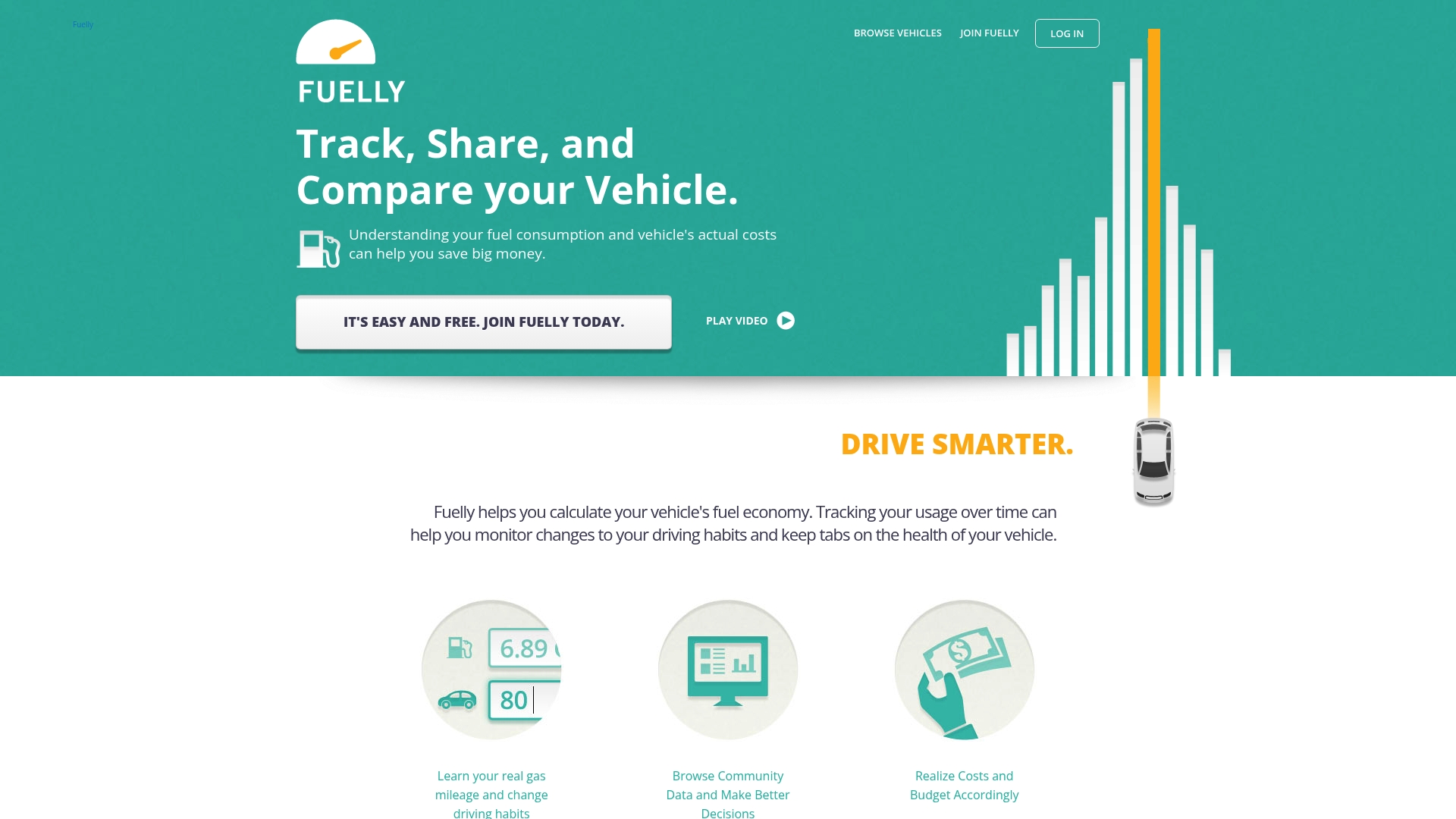
Fuelly helps vehicle owners monitor and reduce fuel consumption by combining personal fill-up tracking with community comparisons. It is practical for drivers who log fuel regularly and want clear, data driven reports to cut costs and spot trends.
Core Features
Fuelly lets you track fuel fill-ups via web, mobile apps, or SMS and then analyze fuel economy over time. The platform produces detailed reports on vehicle performance and costs and lets you compare your data with community entries to spot differences.
Pros
- User friendly interface: The design keeps logging simple so you spend less time entering miles and more time reviewing results.
- Detailed reporting and analytics: Built in charts and history give a clear picture of trends and cost per mile over time.
- Community comparisons: Community data provides context when you want to compare your vehicle against real world peers.
- Cross device access: Web and mobile access make it convenient to log fill-ups and check reports from anywhere.
- Cost awareness: Tracking fuel and maintenance data helps users identify opportunities to lower operating costs on specific vehicles.
Cons
- User dependent accuracy: The data quality depends on users entering fill-ups accurately which can lead to gaps in analysis.
- Limited free features: The no cost tier covers basics but some advanced options appear restricted behind registration and community features.
- Manual data entry required: Automatic feeds are not described so users must add entries by hand which adds ongoing effort.
Who It's For
Fuelly fits drivers who keep a close eye on operating costs and care about measured results. It is useful for budget conscious owners, car enthusiasts tracking real world numbers, and small fleet operators who want simple, shared visibility.
Unique Value Proposition
Fuelly combines personal tracking with community data so you do not just see your numbers in isolation. That blend helps you judge whether a mileage reading is normal for a model or a sign of a mechanical issue or inefficient driving.
Real World Use Case
A typical user logs each fill-up, records miles and cost, and checks monthly reports to see if fuel economy declines after an oil change or new tires. The user then compares those numbers with community averages before scheduling service or altering driving habits.
Pricing
Fuelly provides free access to core features and basic reporting, and it requires registration for full participation in community data. Additional features may be available to registered users through community support or paid upgrades where offered.
Website: https://fuelly.com
Drivvo
At a Glance
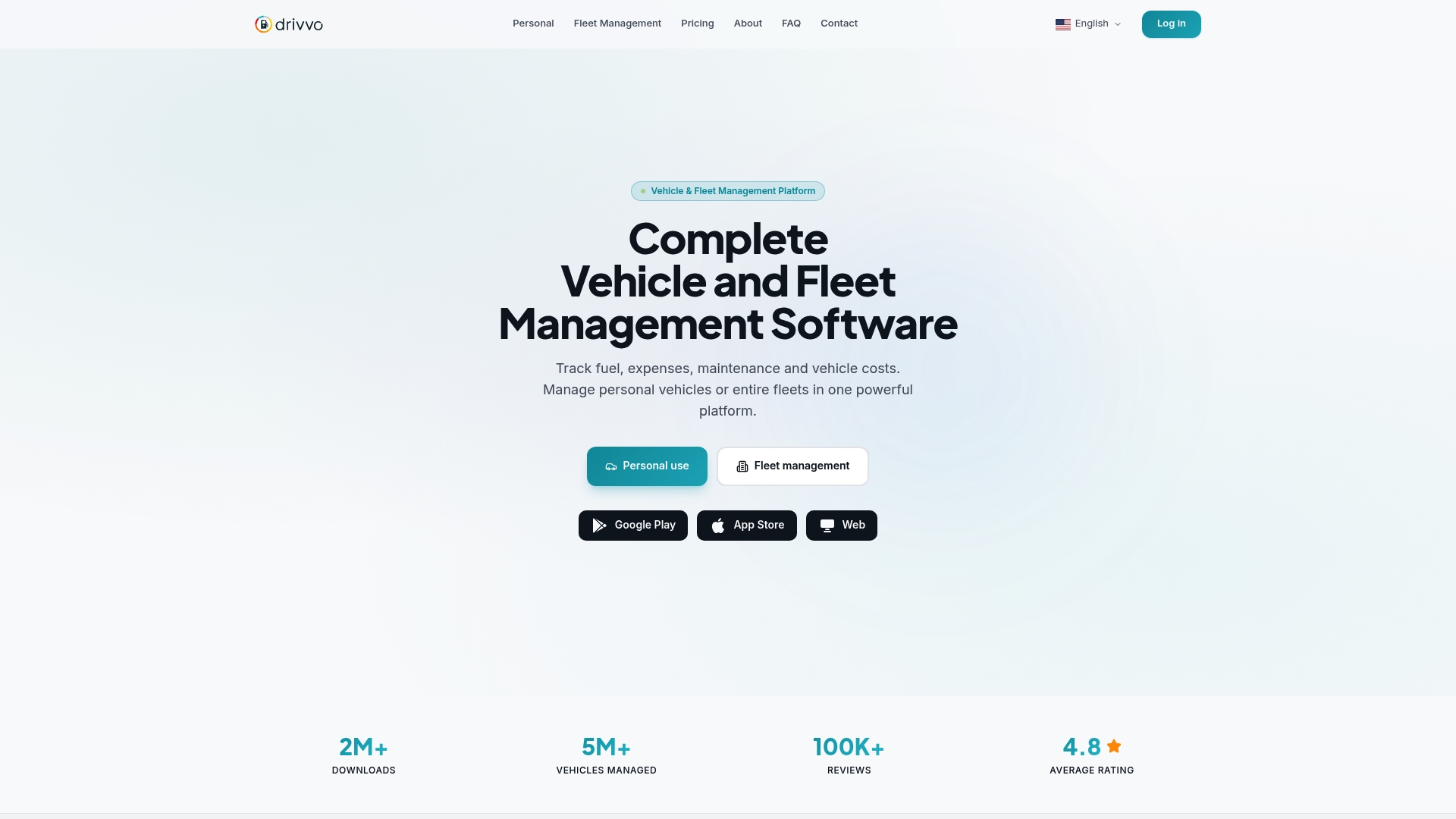
Drivvo is a vehicle and fleet management app that tracks fuel, expenses, maintenance, and vehicle costs across devices. It fits both solo drivers and small fleets and delivers clear reports and reminders to help you control running costs.
Core Features
The platform centers on fuel tracking and expense management while recording income and maintenance history. It also offers route logging and trip records, maintenance reminders, checklists, notifications, and reporting with multi vehicle support across mobile and web.
Pros
- Comprehensive vehicle management features: Drivvo consolidates fuel logs, expenses, income, and maintenance history so you get a single view of total cost of ownership.
- Multi-platform support with synchronization: The mobile apps and web interface sync your data so you can update a trip on your phone and see reports on the web.
- Flexible for personal and fleet use: Individuals can manage one car and fleet managers can add multiple vehicles under the same account.
- Detailed analytics and reports: Built in reports and charts summarize consumption, expenses, and maintenance trends for easier decision making.
- Cost saving insights: The platform highlights where you spend most and helps prioritize maintenance or route changes to lower costs.
Cons
- Pricing for fleet management lacks detailed breakdowns for larger fleets which makes long term budgeting harder for big operators.
- Advanced features require paid plans so some useful analytics and reminders are behind a paywall for professional use.
- Limited detailed information on integration with other systems means connecting to payroll or ERP software may need custom work or manual exports.
Who It's For
Drivvo suits drivers who want strict control over vehicle expenses and managers who run small to medium fleets. If you track fuel economy, schedule preventive maintenance, or need per vehicle cost reports this is a practical choice for day to day operations.
Unique Value Proposition
Drivvo combines straightforward logging with useful reporting so owners see where money goes. The strength is its focus on operational clarity across platforms which reduces bookkeeping time and helps managers plan maintenance windows and fuel budgets.
Real World Use Case
A delivery company uses Drivvo to schedule oil changes and brake checks, log fuel per route, and produce monthly reports that compare vehicle performance. That reporting then guides decisions about replacing high cost vehicles and adjusting routes to save fuel.
Pricing
Drivvo is free for personal use. Fleet management costs $42 per vehicle per year with a five vehicle minimum and a monthly plan option is available for fleets that prefer shorter billing cycles.
Website: https://drivvo.com
Vehicle Management Tools Comparison
Below is a comprehensive comparison table of key vehicle management tools, summarizing their core features, advantages, drawbacks, and unique aspects to aid in decision-making.
| Tool | Key Features | Pros | Cons | Pricing |
|---|---|---|---|---|
| AutoManual VIN | Free VIN lookups, Recall alerts, Community tools | Free use, Community vehicle recovery support | Limited to available public data | Free usage, no subscriptions |
| AutoLog | Maintenance tracking through web | Simple interface, Suitable for resale proof | Pricing details unclear | No cost information provided |
| Fuelly | Fuel consumption tracking | Clear insights, Community benchmarks | Relies on manual input accuracy | Free core features |
| CARFAX | Vehicle history reports | Comprehensive data, Trusted resource | Detailed history needs payment | Fees for detailed reports |
| Hum | Vehicle safety via app | Locations, Crash alerts, Easy app usage | Feature transition to Verizon ecosystem by 2025 | Integrated into Verizon plans |
| Drivvo | Fleet and expense tracking | Comprehensive tools, Reports and analytics | Advanced options need paid accounts | Free basic use, Fleet plans $42/vehicle/year |
Use this table to quickly compare the available tools and determine which best suits your vehicle management needs.
Discover a Smarter Way to Manage Your Vehicle Records and VIN Info
If you have explored alternatives like useautolog.com, you know the challenge of keeping all your vehicle maintenance and history details organized in one spot. The need for an easy, free, and reliable VIN decoder plus a digital garage is clear. Key frustrations include complicated setups, hidden fees, and missing recall or specs details that slow down your car management routine.
AutoManual VIN breaks through these barriers by offering a no-cost VIN decoder that instantly displays full technical specifications with no signup required. More than just a lookup tool, it acts as your centralized vehicle hub where you can track maintenance history, store important documents, and monitor ownership details all in one place. Experience the freedom of clear, ongoing vehicle management on both mobile and desktop.
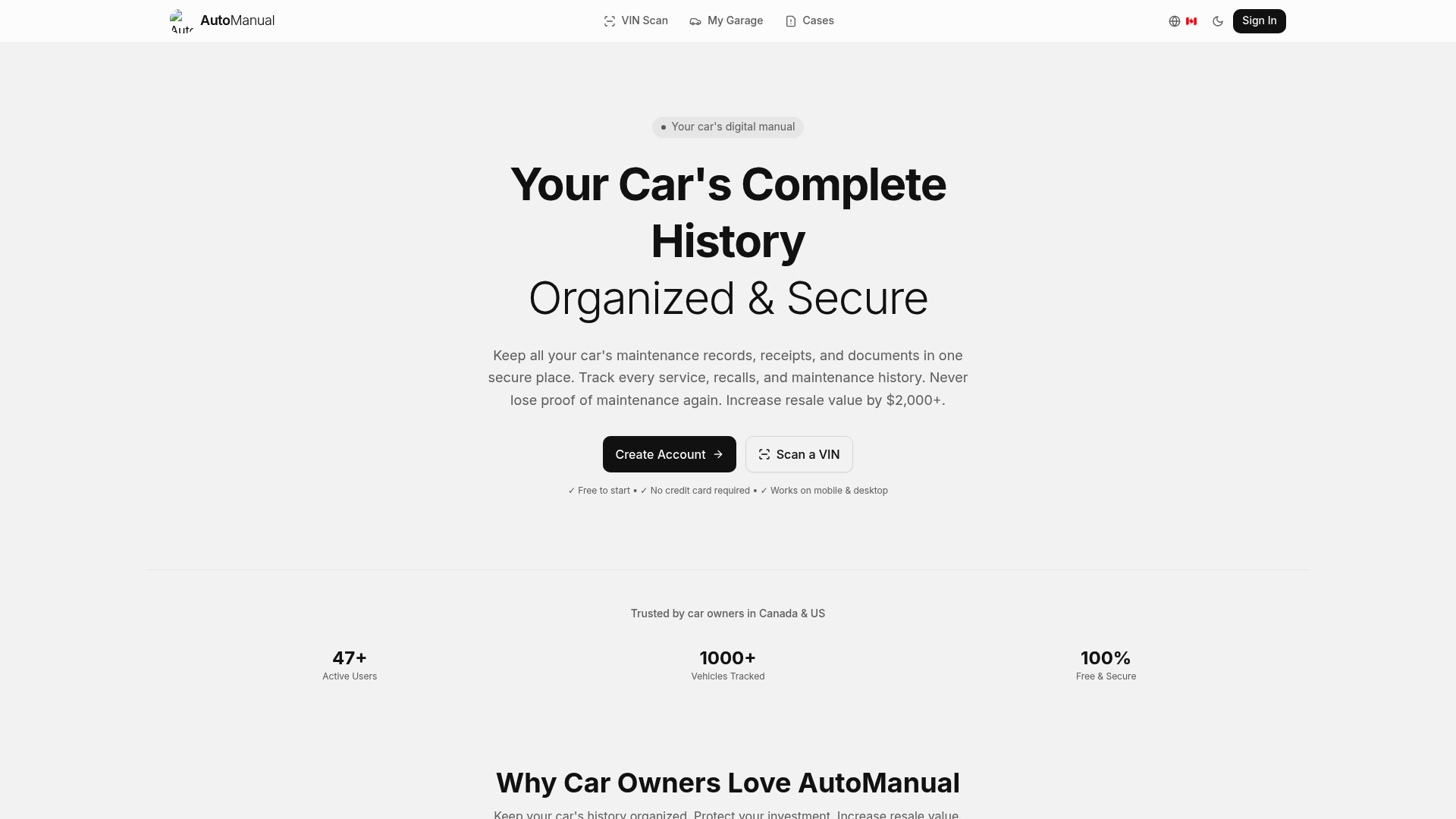
Ready to gain control over your car records and skip the overwhelm of multiple apps Try AutoManual VIN now to decode your VIN and start building your digital garage today Stay ahead with instant access to the specs and tools designed to make vehicle ownership simpler and safer.
Frequently Asked Questions
What are the top alternatives to useautolog.com in 2026?
AutoLog, Fuelly, CARFAX, and Drivvo are among the top alternatives available. Evaluate each platform based on your specific needs such as vehicle tracking, maintenance logging, and cost management.
How can I choose the right alternative to useautolog.com for my vehicle management needs?
Identify your key requirements, such as ease of use, features for tracking fuel or maintenance costs, and whether the service supports multiple vehicles. Compare these factors across several platforms to find the best fit for your situation.
Are these alternatives free to use or do they require a subscription?
Most alternatives have free tiers, but some may offer premium features for a fee. Check each platform's pricing structure to determine which one aligns with your budget and expected usage.
How do I transfer my existing vehicle data from useautolog.com to another platform?
Export your data from useautolog.com, if possible, as a CSV or other supported format. Afterward, import the data into your chosen alternative by following its specific data import procedure.
What features should I look for when considering an alternative to useautolog.com?
Look for user-friendly interfaces, robust reporting capabilities, community support, and compatibility with your devices. Prioritize features like fuel tracking, maintenance reminders, and expense management to ensure comprehensive vehicle management.